Share
A view-only link. Viewers see every change as it happens.
The Canvas in PenEcho Lines
NewCollaborate and folder projectsClick Collaborate and send the link. Anyone can draw with you and your AI agent, live, with no account.
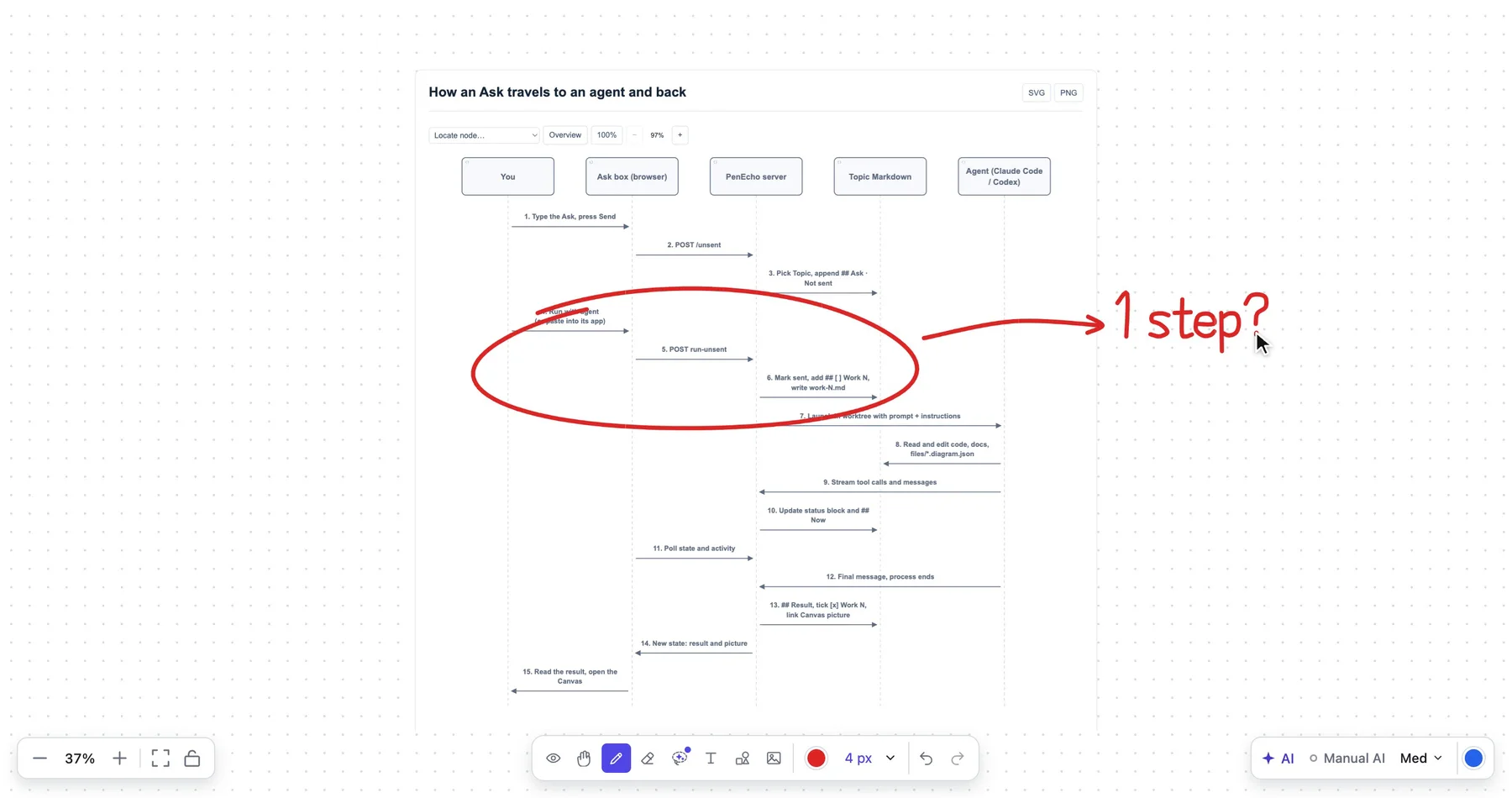
Collaborate copies a link. Whoever opens it draws with you and your agent, live, and everyone’s edits are kept.

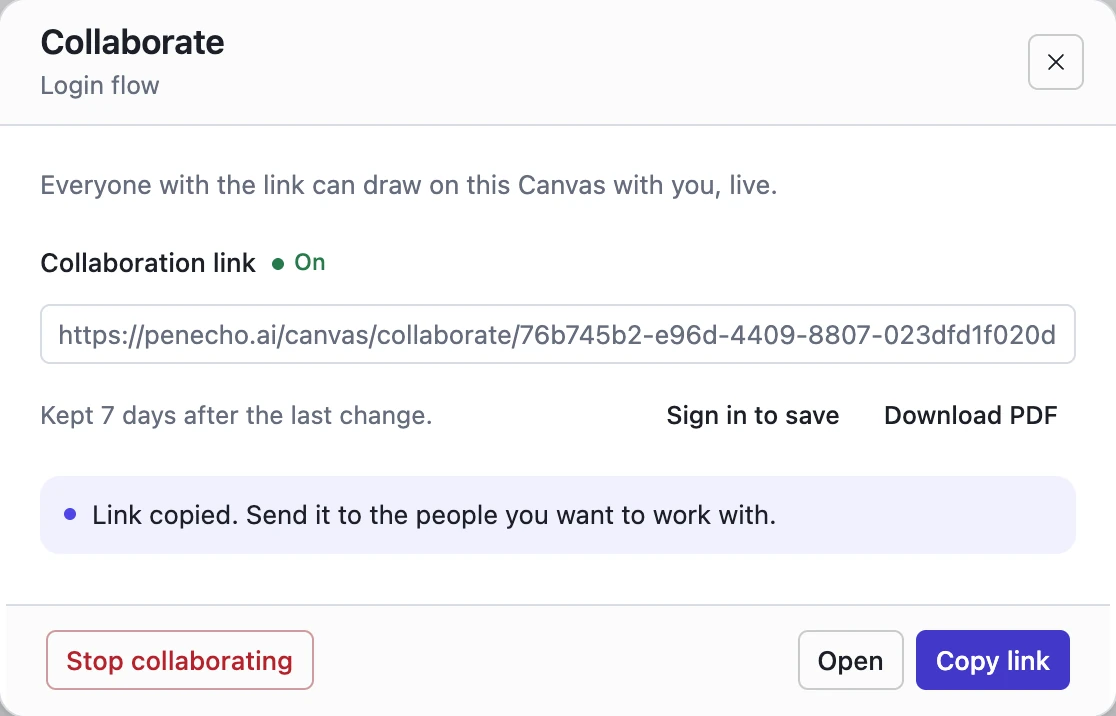
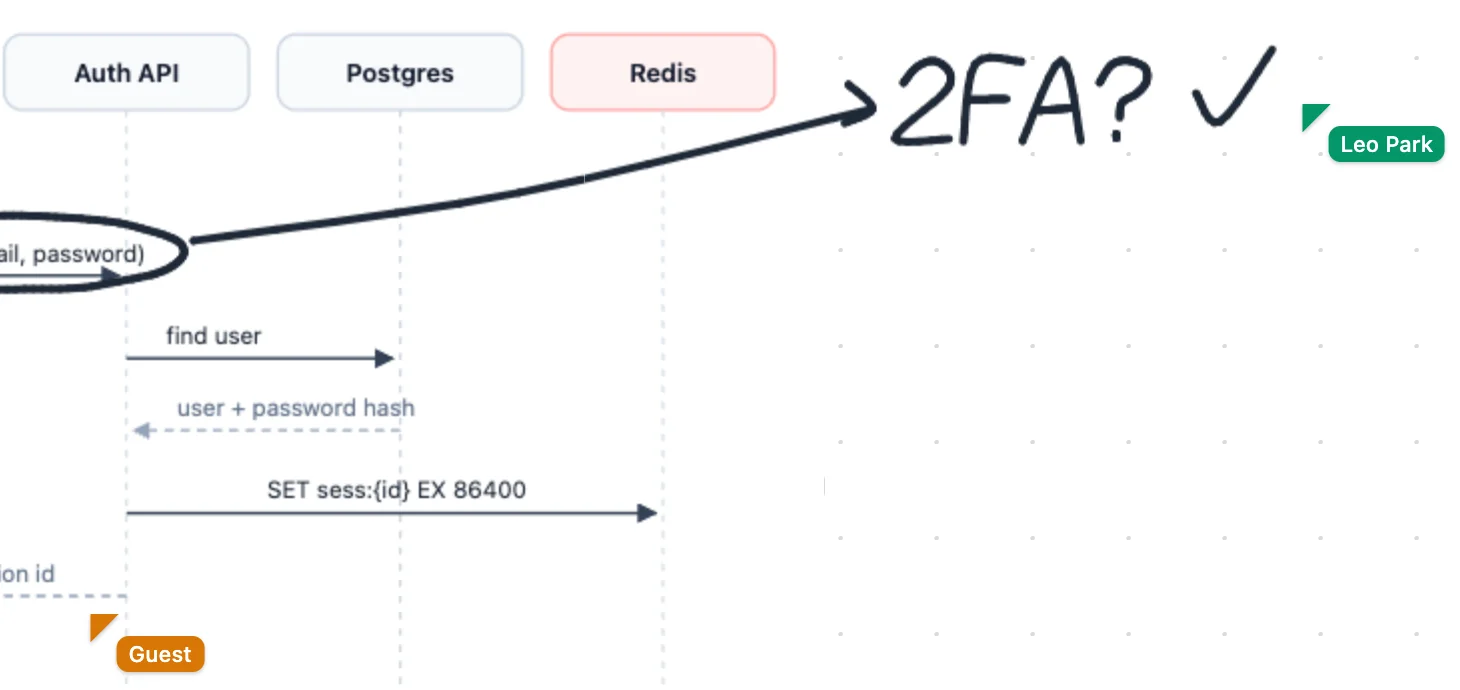
Nobody needs an account to join, and the desktop app starts one without signing in.
A link Canvas is kept 7 days after its last change. Sign in and save to keep it; the same link keeps working.
Stop collaborating and the link ends for everyone.
A view-only link. Viewers see every change as it happens.
The whole Canvas as a PDF, ready to send.
Every agent you run in a folder opens the same page. Each Canvas is a tab, and it saves itself.
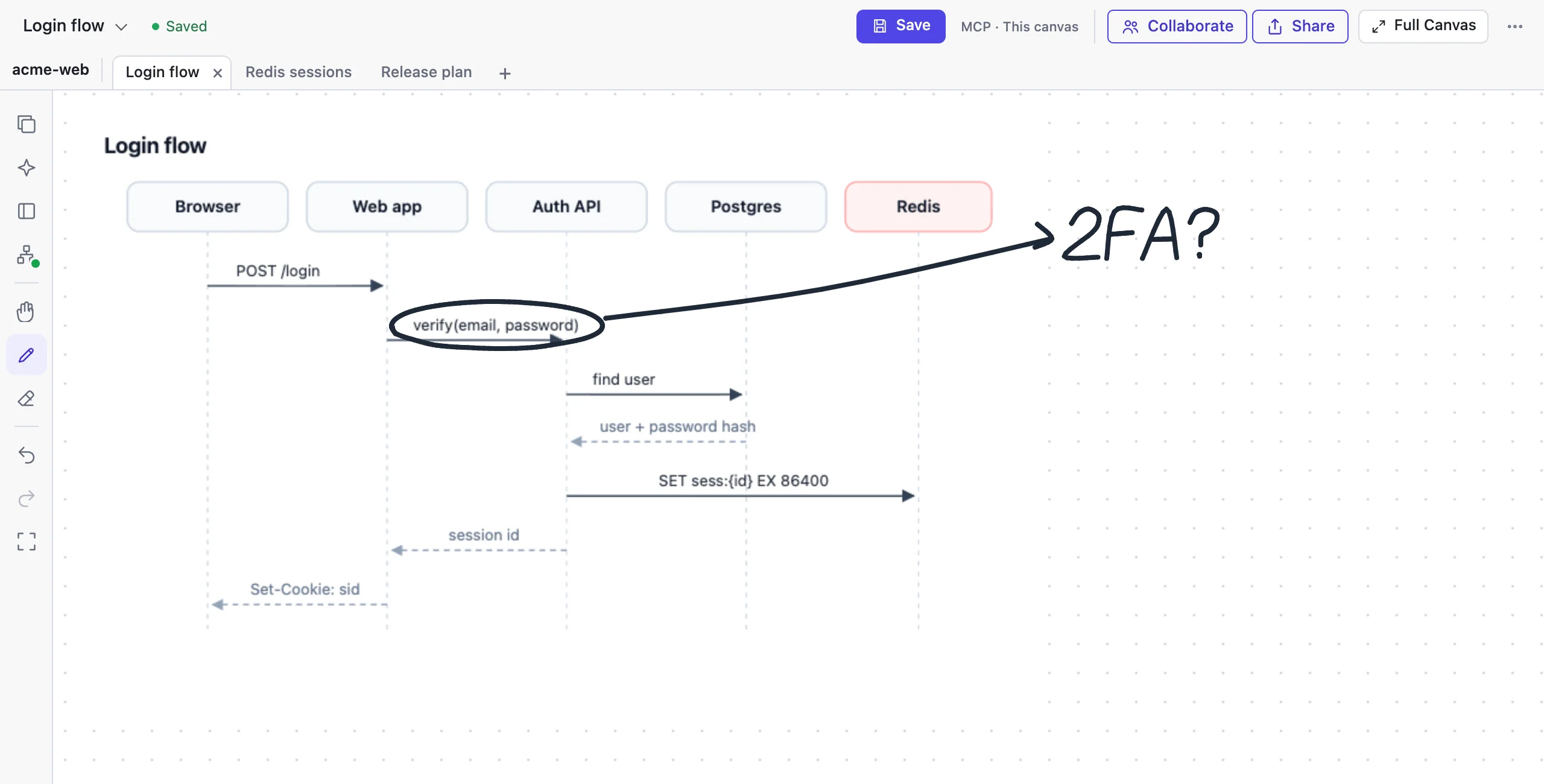
A few seconds after any change, by you or an agent. Undo works until you close the page.
When two pages change the same Canvas, PenEcho merges them.
From what is drawn on it, or the project’s next “Canvas N”.
Signed inIn your Cloud project for this folder.
GuestKept 7 days after the last change. Sign in to keep it.
Desktop app, signed outIn a Library project named after the folder.
Keep talking in Codex, Claude, Kimi, or any MCP-ready agent. PenEcho turns the conversation into diagrams and live previews you can see, mark up, and send back.

AI agents: to add PenEcho for your user, follow penecho.ai/agents.md. It installs the PenEcho Skill and the MCP server https://penecho.ai/mcp.
You write. It knows the next step.
Pause after writing and PenEchoLLM ranks what you need next. One tap, and the answer lands right where you wrote, with the next step already suggested.
Circle it. Keep it as a card.
Lasso a formula, a sketch or an answer and PenEcho turns it into a card, with your original handwriting kept on it. Every card is categorized for you and waits in the Library.
Video unavailable. Open video
Architecture, sequences, and workflows — drafted by AI, refined by you.
PenEcho Cloud
Your projects live in Cloud. Pick up on another device, or reach your own PenEcho host through a Linked Device.
Keep your work with CloudPenEcho is an official member of Kimi Open Source Friends and receives API credits from Kimi. Independently made, with your choice of model.
Meet our supporters
PenEcho is an open-source AI canvas for your pen. Write, sketch and paste on an endless canvas, and AI turns it into answers, diagrams, notes and working widgets beside your work. It runs as a desktop app for macOS and Windows, from npm, or in the browser at penecho.ai.
No. Anyone with the Collaborate link can draw with you in the browser. A Canvas started without an account is kept 7 days after its last change; sign in and save to keep it, and the same link keeps working.
The first time an agent opens PenEcho in a folder, PenEcho makes a project for it and writes .penecho/project.json, which git ignores. Every agent in that folder reads it and opens the same page. Each git worktree is its own folder, so it gets its own project.
Collaborate gives a link everyone can draw on with you. Share gives a view-only link, and viewers see changes live. Stop either one at any time and its link ends.
Yes. Your agent reads the Canvas as it is now, including strokes and notes from everyone on the link.
PenEchoLLM is the model behind PenEcho's smart suggestions. When you pause after writing, it ranks the most useful next actions, such as Solve, Typeset, Plot graph or Organize as Note, and decides whether Canvas AI or the PenEcho Agent should carry them out. In the Agent composer it suggests requests based on your canvas, files and project. It is free to try every day without an API key; signing in raises the daily allowance.
Notes & Cards turn any part of your canvas into a reusable card. Circle content and PenEcho creates a knowledge card for concepts, formulas, worked examples and references, or a work note for ideas, work, meetings and to-dos, keeping your original handwriting. Cards are categorized automatically and collected in the Library, where you can search, bookmark, review and add them to other canvases.
Sign in to use PenEcho models, bring your own OpenAI- or Anthropic-compatible API key, or reuse a signed-in Codex, Claude Code or Kimi CLI. Agents such as Codex, Claude Code, Kimi and Cursor can also draw on the canvas through the PenEcho MCP server.
Paste one line into Claude Code, Codex, Cursor or another MCP agent: “Set up PenEcho for me by following https://penecho.ai/agents.md”. Your agent installs the PenEcho Skill and connects https://penecho.ai/mcp; if it asks for authorization, choose Continue as guest. No account is needed. Then ask it to draw something, and the Canvas opens beside your chat. The desktop app can also connect agents to local Canvases from Settings → MCP service.
Yes. The PenEcho Canvas is open source under AGPL-3.0 and free to download for macOS and Windows or to install with npm. Hosted PenEcho models use account credits; with your own API key or CLI, usage is billed by your provider.