Note
Your own words, or what AI wrote down for you.
 PenEcho Lines
Every note, drawing, question and answer is a node. Lines join them.
Everything you do with AI, in one knowledge base you can search and build on.
Whatever you and AI make ends up as one of these. Each is a plain file in your own folder.
Your own words, or what AI wrote down for you.
A drawing: your sketch, a marked-up screenshot, a page of handwritten notes.
What you want done. Send it to any agent now, or keep it for later.
What an agent did with your Ask: its answer, its files and its changes.
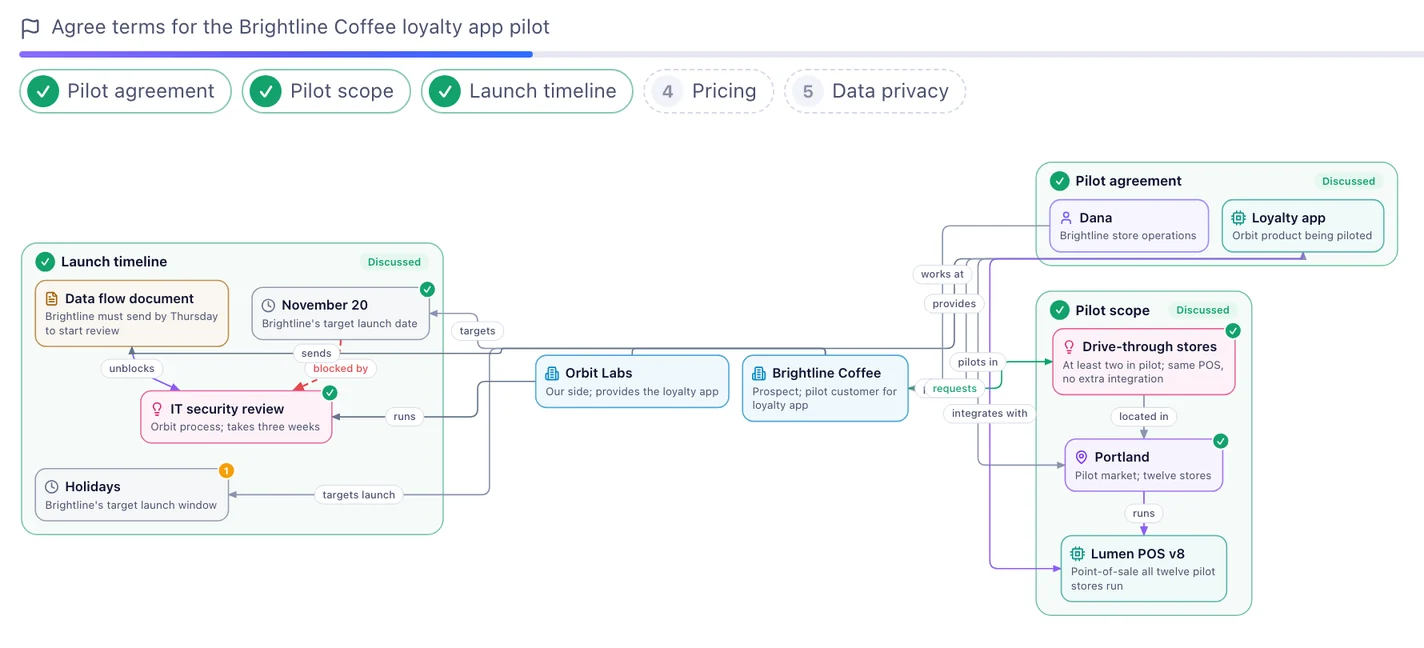
A picture AI drew for you: an architecture, a workflow, a set of slides. You can edit it on the Canvas.
Minutes from MeetCue: what was decided, with each action ready as an Ask.
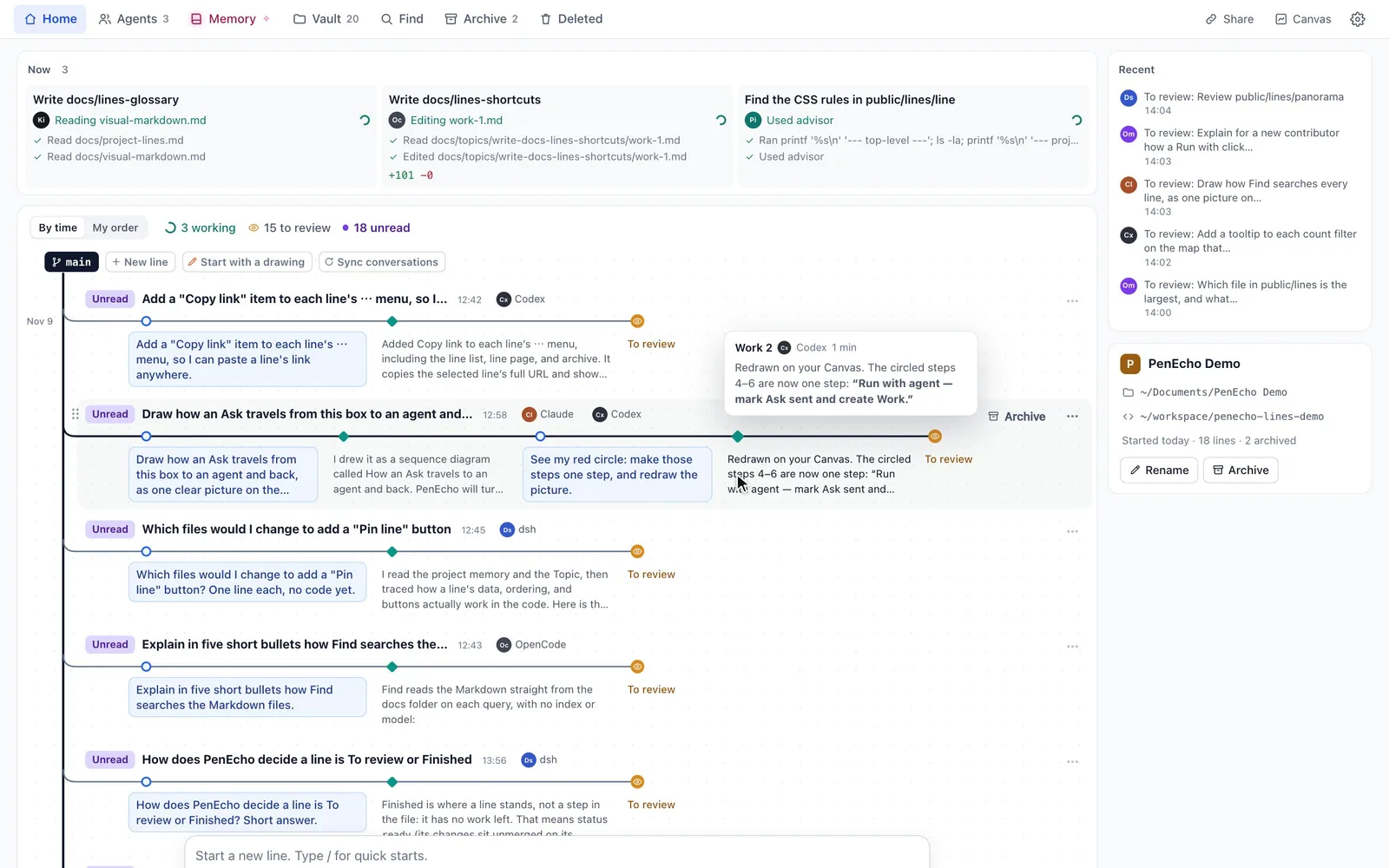
From the first idea to the result, in order.
It reads anywhere, on a phone too, and it stays yours.
What is working, what is waiting for you and what is done.
With one memory that every agent reads before it starts.
The Canvas
Some things are easier to draw than to say. Every project has Canvases, and each one sits on its line, with its notes and AI beside it.
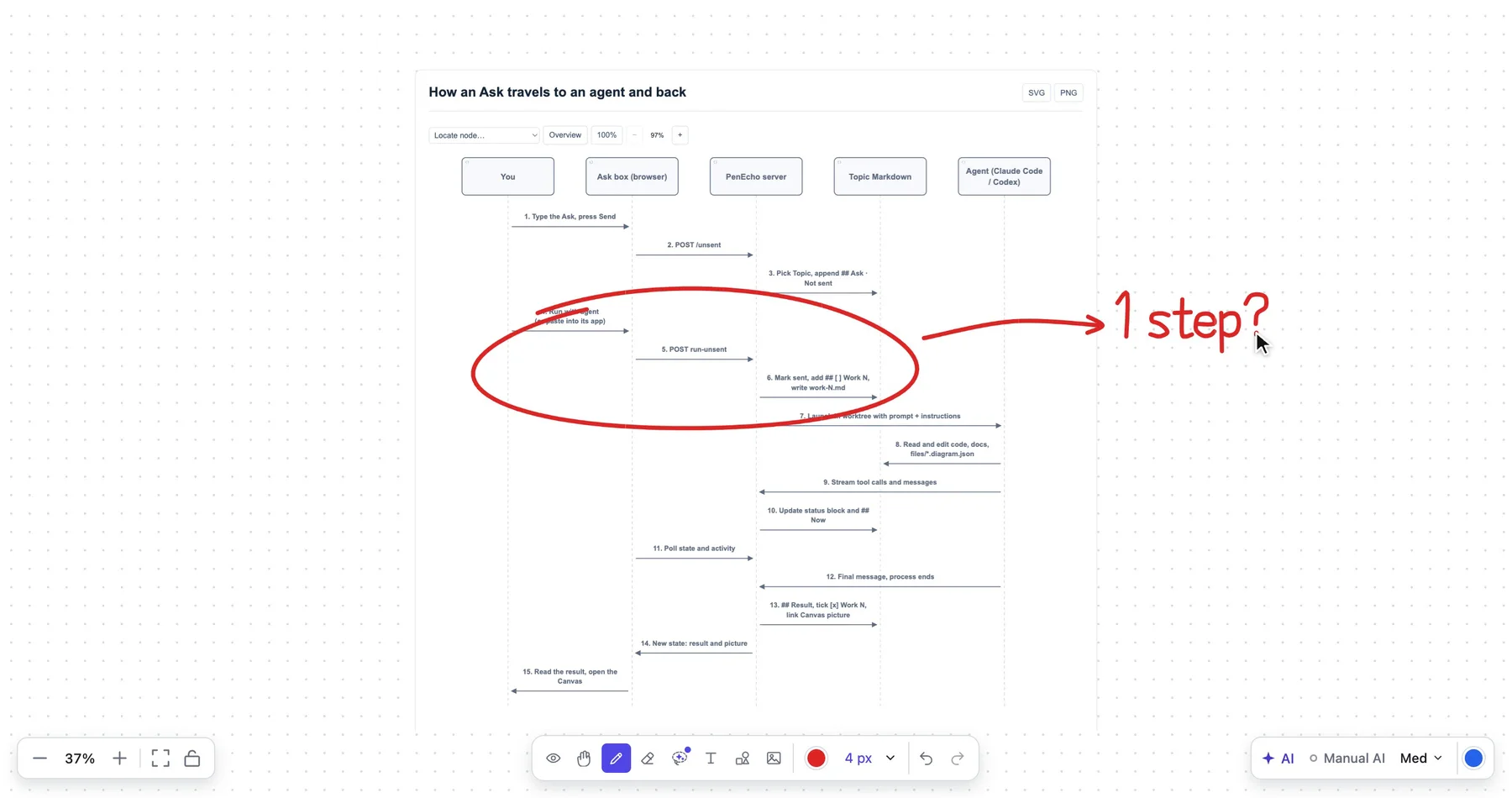
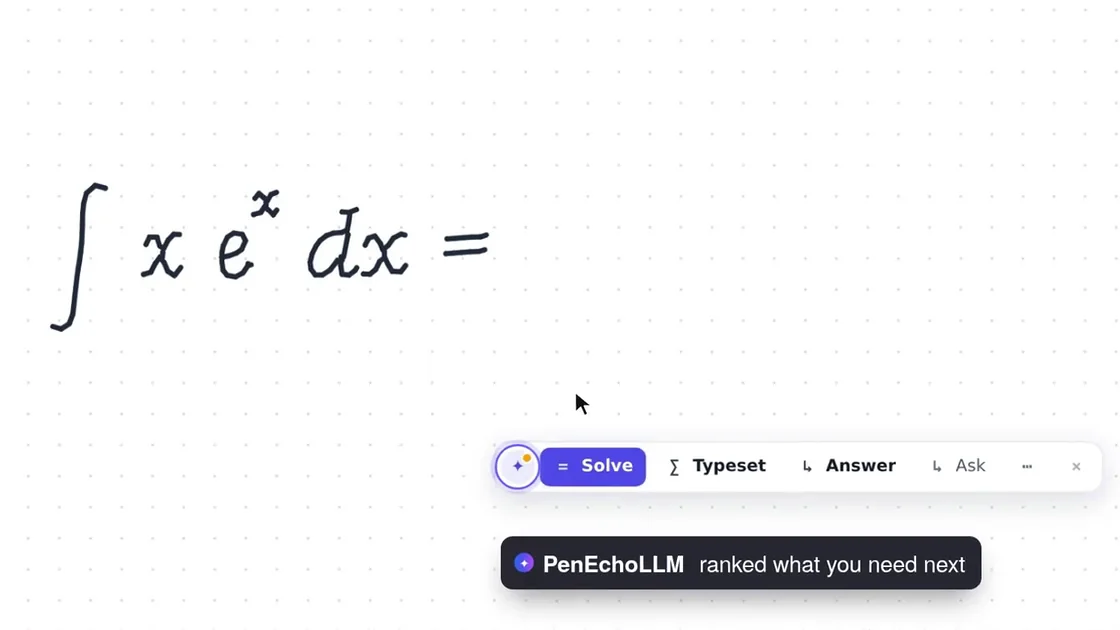
Write or sketch with a pen. PenEcho offers the next step: solve it, typeset it, answer it.
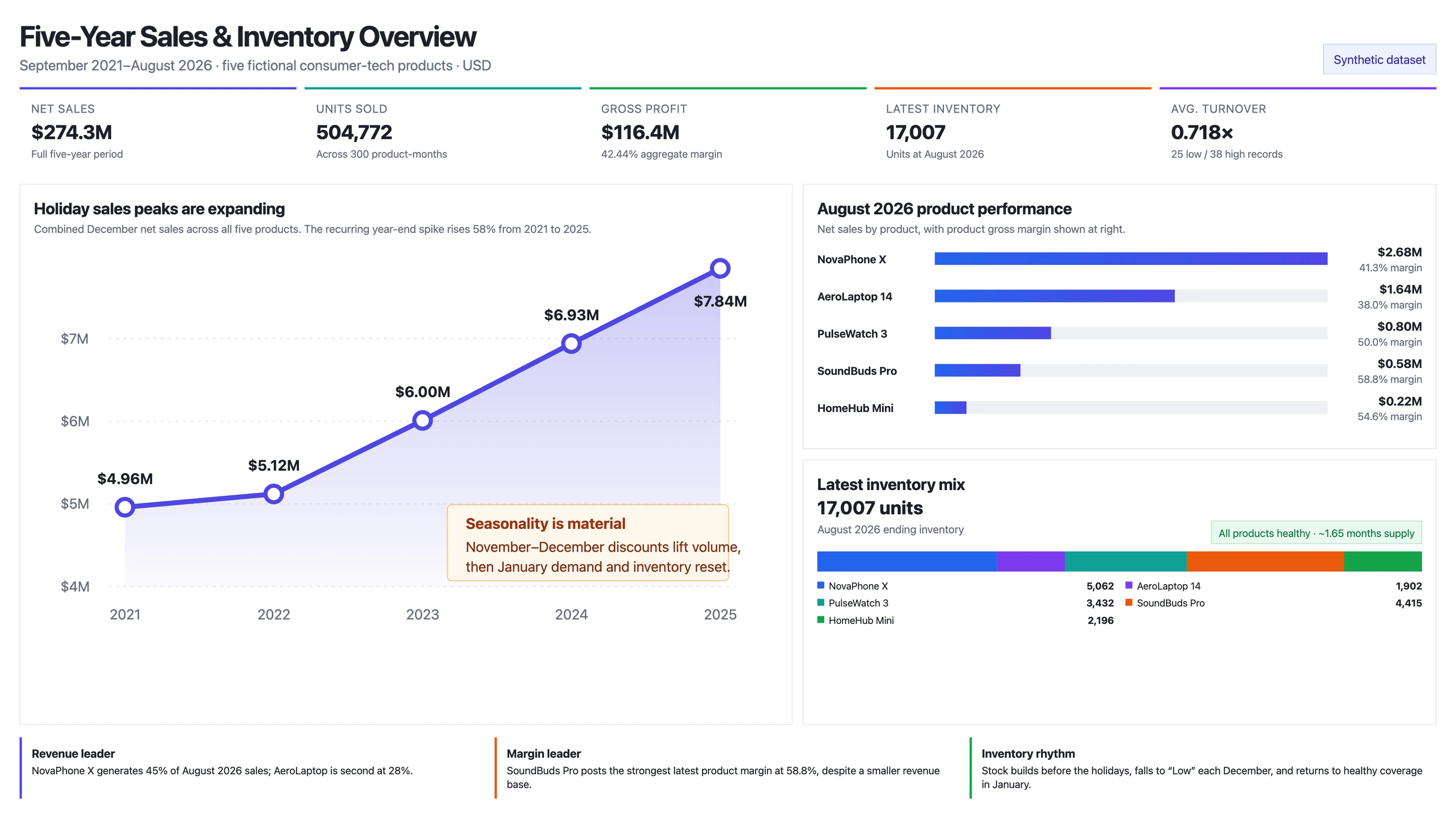
Diagrams, charts, live graphs and slides land on the Canvas, and you can keep editing them.
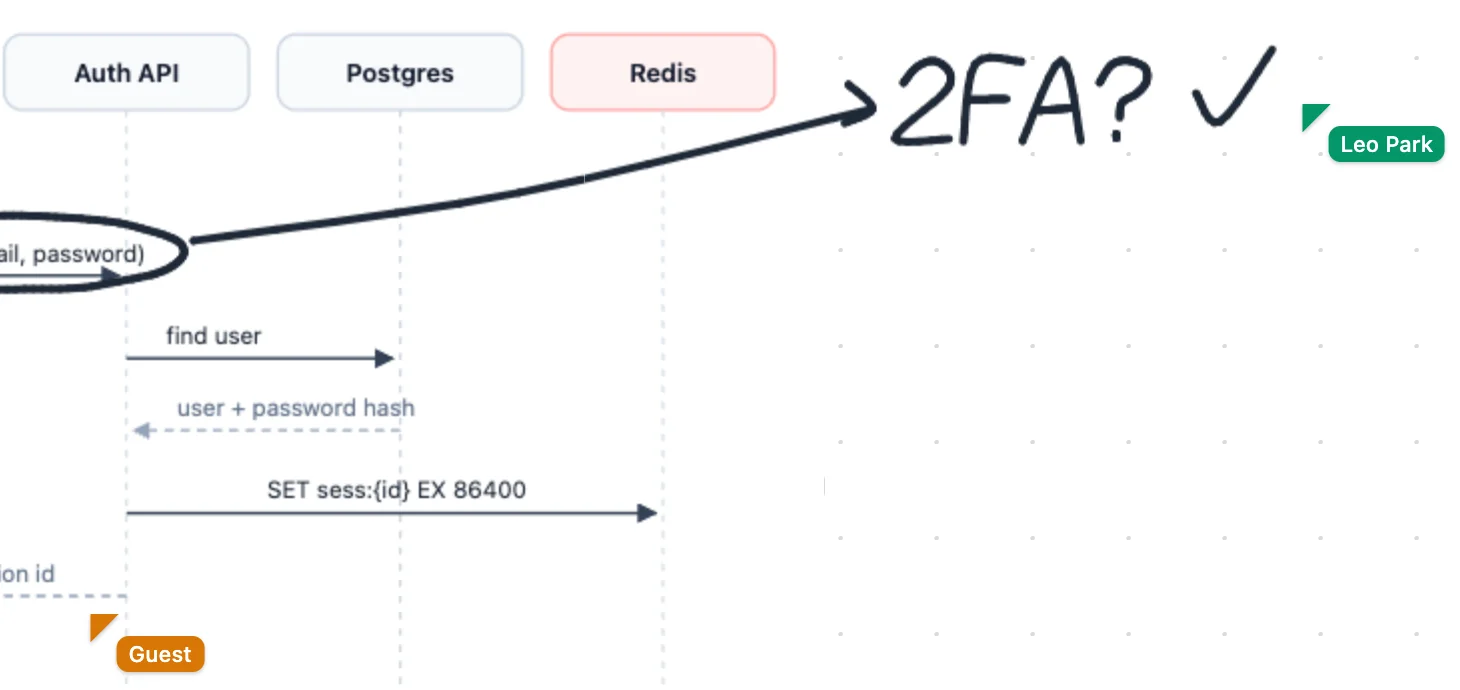
Send one link. Anyone can draw with you and your agent, live, with no account.
Keep working in their own apps. What they say and change shows up on the line by itself.
PenEcho's own agent runs an Ask on PenEcho Cloud models, or on your own API key.
Every agent reads the project's memory first, and adds what it learns.
One search over every Ask, note, drawing and answer.
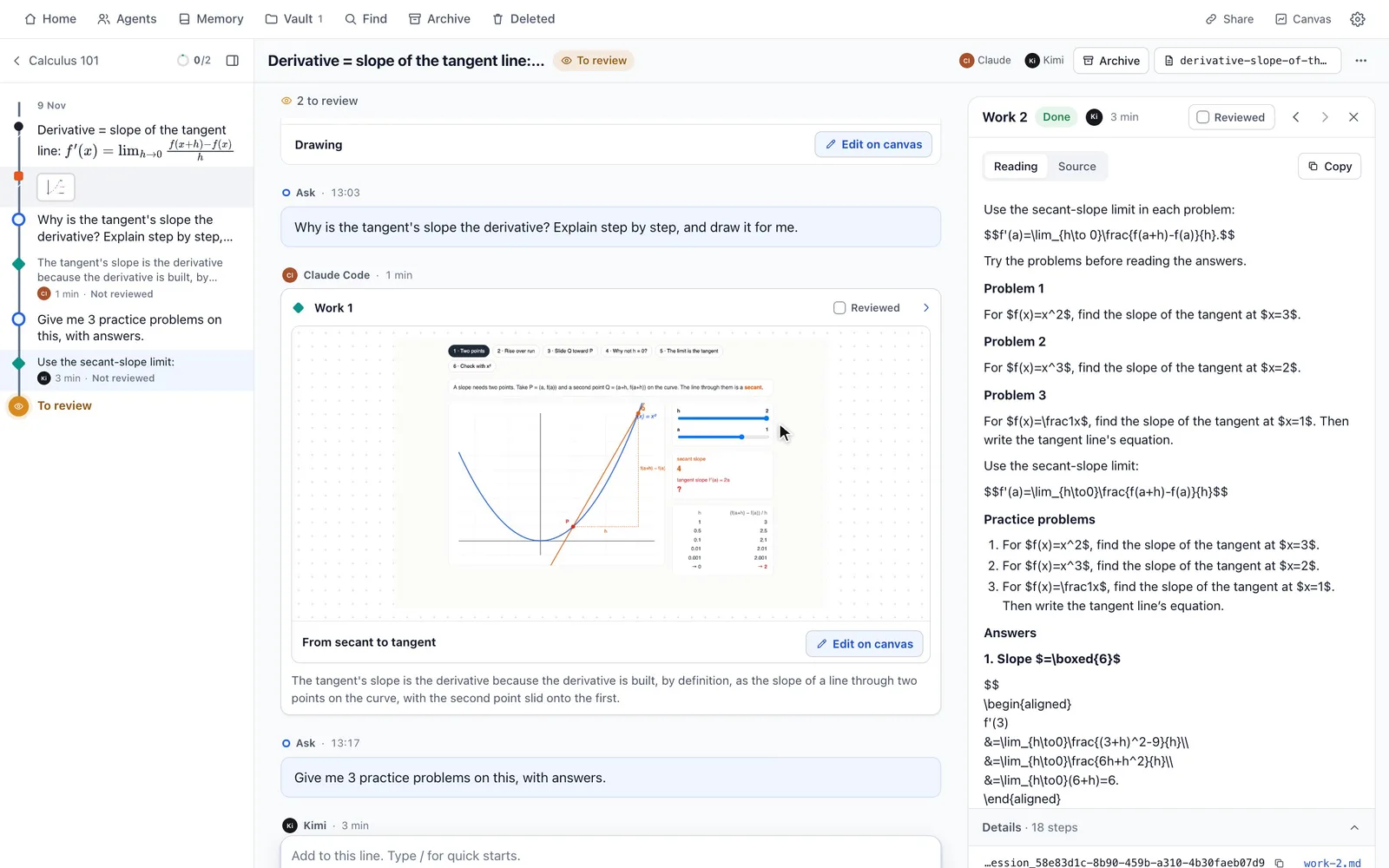
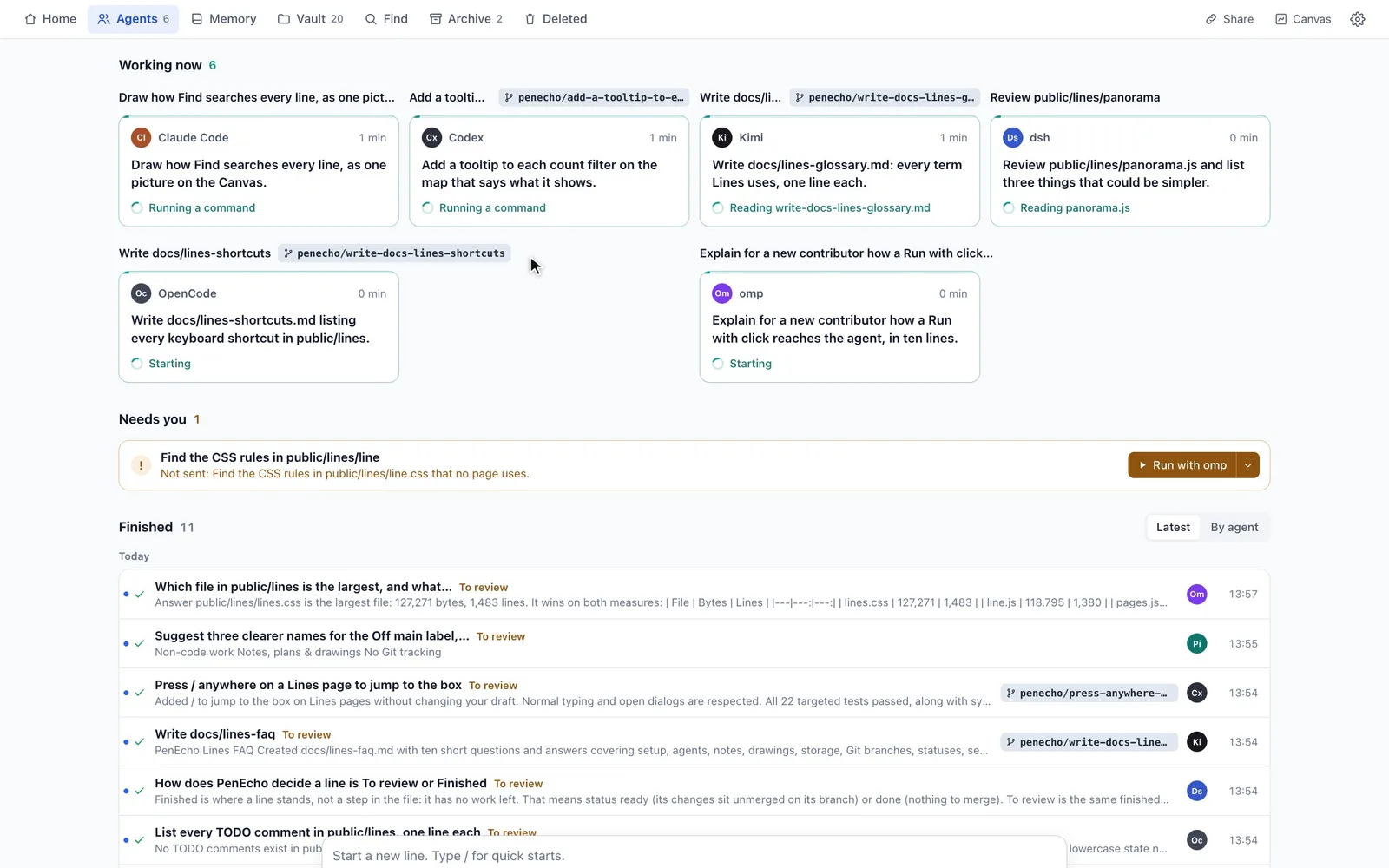
With MeetCue
MeetCue listens to your meeting and writes the minutes. Connect it, and a meeting lands on a line: the minutes as a note, and each action as an Ask your agent can run.
Everything on your own computer is free. A plan keeps your projects in PenEcho Cloud and gives you credits each month.